Monkey Mart









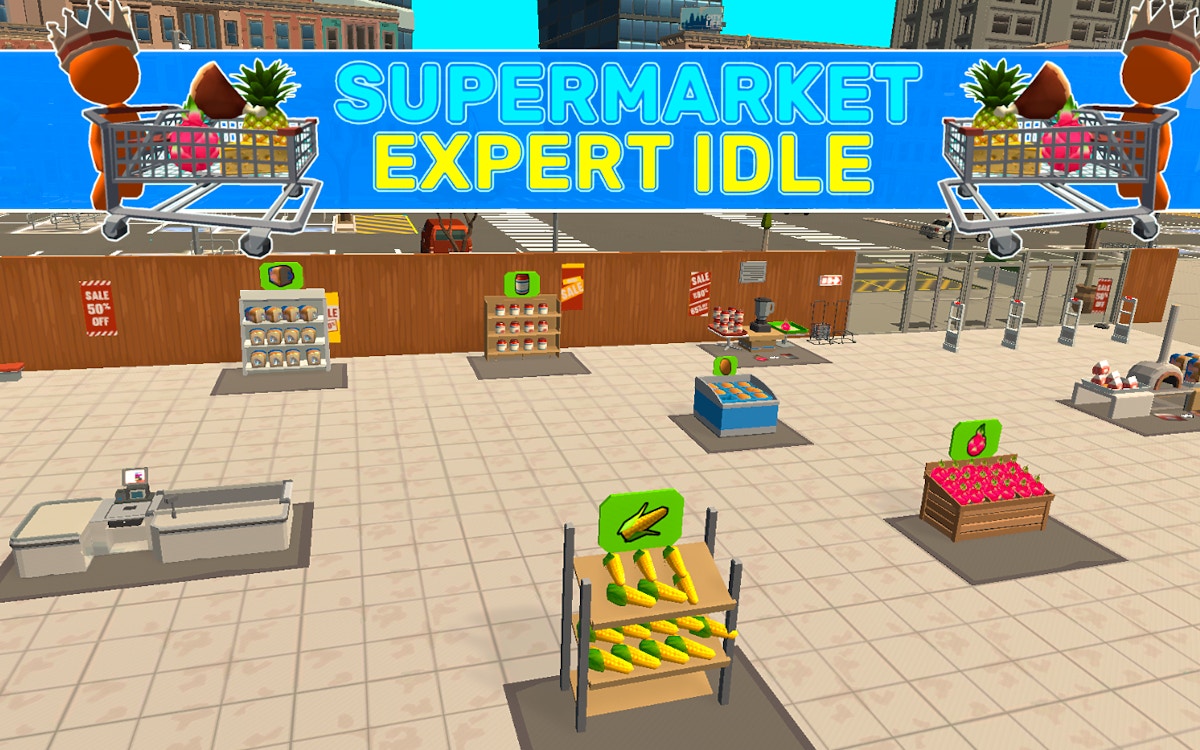





Supermarket Simulator: Store Manager
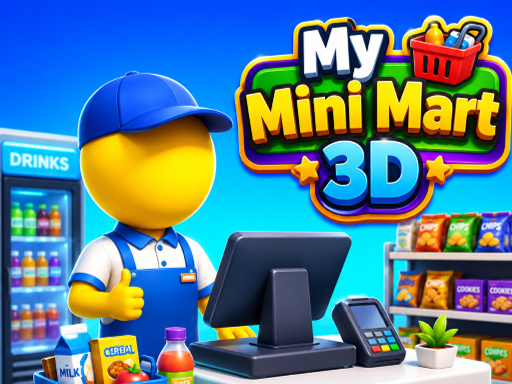
Supermarket Simulator: Store Manager is a browser supermarket management game about keeping a small retail shop running smoothly. Unpack deliveries, place products on the right shelves, serve customers at the register, and reinvest your earnings in a more efficient store.
What Is Supermarket Simulator: Store Manager?
Your job is to turn a basic shop into a dependable supermarket. Each business cycle connects three tasks: deliveries arrive, products must be stocked, and customers need to complete their purchases. If one part falls behind, the whole store slows down. Empty shelves mean missed sales, while an unattended register leaves customers waiting.
Unlike a pure idle game, this supermarket simulator rewards active movement and clear priorities. You choose whether to carry stock from the back room, tidy the sales floor, or return to the checkout. The challenge is keeping the store supplied without allowing a queue to grow.
How to Play Supermarket Simulator
Start by checking what the shop needs. When a delivery is available, unpack it and move products to their matching shelf. Stock items that are already selling first; a popular empty shelf usually costs more potential income than a product that has not moved yet.
After restocking, look toward the register and customer queue. Serve waiting shoppers before starting a long carrying trip. When the floor is clear, prepare the next delivery. Earnings come from completing this routine consistently, so a tidy route is more useful than rushing between every task.
Controls
Use the movement and interaction prompts shown by the game to walk around the store, pick up deliveries, stock shelves, and operate the checkout. On a phone or tablet, use the on-screen touch controls if provided. If an interaction does not trigger, move closer to the shelf, delivery, or register and try again.
Beginner Tips
- Keep a short route between storage and the busiest shelves.
- Check the register before beginning another delivery task.
- Restock before shelves are completely empty.
- Spend early earnings on the upgrade that removes your current delay.
- Expand only after the existing floor can stay supplied.
- Group nearby tasks instead of carrying one item back and forth.
Money, Upgrades, and Progression
The best upgrade is the one that shortens the slowest step in your current routine. If deliveries pile up, improve carrying or movement. If shoppers wait at the register, prioritize service efficiency before opening more sales space. New products and larger areas increase earning potential, but they also increase the shelves you must maintain.
Think of expansion as a test of organization. Open a new area when the original shop produces steady income and you can keep its core shelves filled. This lets the new space add sales instead of becoming a second queue of unfinished work.
Common Beginner Mistakes
The most common mistake is leaving the register for too long while a delivery is being unpacked. Another is buying an expansion before the current shelves are profitable. Players also lose time by stocking the wrong location or carrying one item at a time without a route. Watch what customers buy, group tasks, and use each upgrade to solve a specific delay.
FAQ
Is Supermarket Simulator: Store Manager free to play?
It is available to play online in the browser through the embedded game area on this page.
Can I play Supermarket Simulator online?
Yes. Open the game area above and wait for the embedded game to load.
How do I make money faster?
Keep popular shelves stocked and avoid long checkout queues. Consistent sales are usually more valuable than expanding too early.
What should I upgrade first?
Upgrade the step that currently limits the store: carrying and movement for stock delays, or service capacity for customer queues.
Related Games
Try Monkey Mart, My Tiny Market, or Panda Shop Simulator for more store management games.