Monkey Mart











About the Game
Supermarket Simulator: Dream Store turns a small retail room into a growing supermarket. You decide how the floor should work, where products belong, and which improvements deserve the next part of the budget. The game combines hands-on store work with light business planning: order merchandise, arrange shelves, welcome shoppers, and reinvest the result in a better store.
Planning the Sales Floor
An organized floor makes every later task easier. Leave useful walking space between storage, shelves, checkout areas, and the entrance. Put popular products where customers can reach them without crossing the whole store. As the building expands, keep a clear route for restocking and consider how a new display will change customer flow rather than simply filling every empty corner.
Purchasing and Pricing
Stock is a decision, not just a number. Order enough of the products customers request while keeping money available for rent, equipment, and improvements. Prices affect both income and customer satisfaction, so watch the result of a change before making another one. Promotions can help move a slow product, but a busy store still needs reliable supply and sensible margins.
Customers and Staff
Customers judge the whole visit: finding products, waiting at checkout, and moving through the aisles. When the store becomes busy, remove the bottleneck that causes the longest queue first. Employees can take over important routines and make a larger supermarket manageable. Hiring is most useful when it solves a real delay, such as empty shelves or an overloaded register.
Expansion and Upgrades
Use profits to improve the parts of the store that limit growth. New shelves create capacity, better equipment shortens repeated work, and additional departments give customers more reasons to visit. Expand in stages so the operation remains profitable. A large floor with poor stock planning is less useful than a smaller store that serves every visitor reliably.
Controls
Use the keyboard to move around the store and the mouse to look, select, and interact. Follow the on-screen prompts when handling products, shelves, checkout tasks, or purchases. Controls can change with the current activity, so treat the visible instruction as the source of truth.
Beginner Tips
- Learn the route between storage, shelves, and checkout before expanding.
- Keep a reserve of cash for the next stock order.
- Watch queues and empty shelves before buying decorative upgrades.
- Put frequently requested products in easy-to-reach locations.
- Hire staff when a repeated task is clearly slowing the whole store.
- Review the floor after each expansion and remove unnecessary walking.
Why Monkey Mart Players May Enjoy It
The game shares Monkey Mart's satisfying rhythm of stocking, serving, earning, and improving. Its supermarket setting adds more control over layout, pricing, and departments, while the goals remain easy to understand. Players who enjoy turning a simple shop into a smooth operation will find a familiar but more detailed management loop.
More Management Games
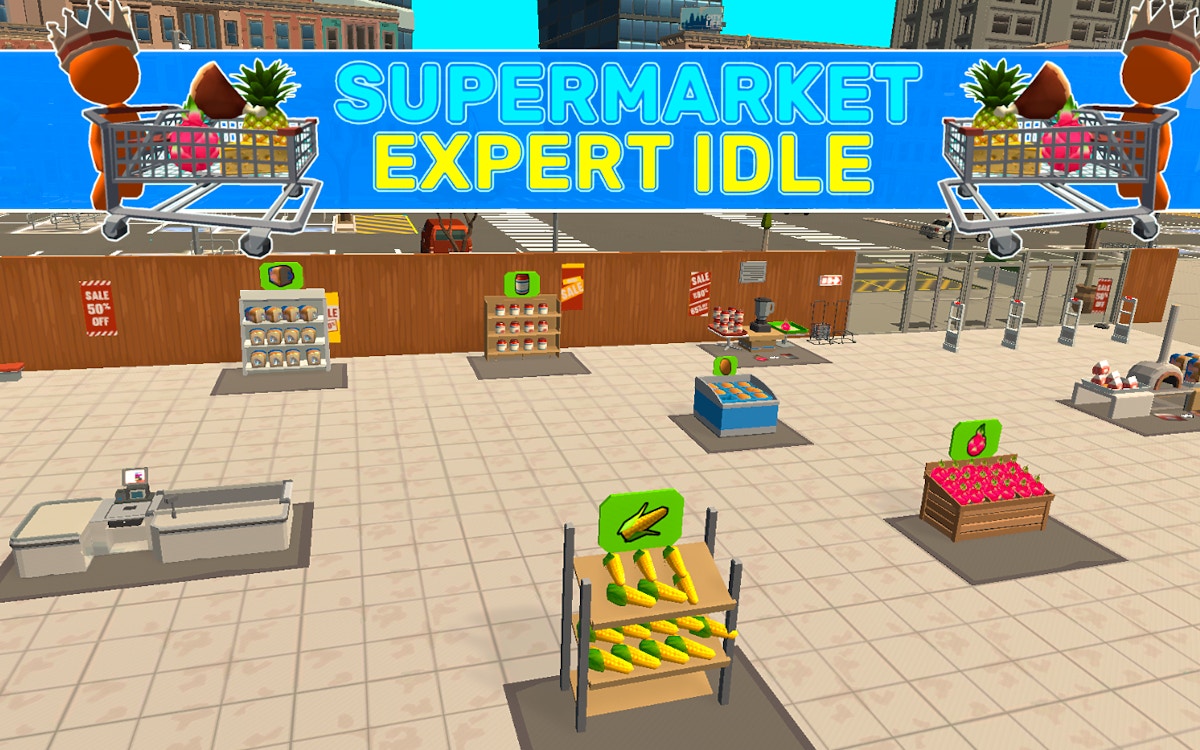
Try Monkey Mart, Store Simulator, Fast Food Simulator, Supermarket Expert Idle, Bunny Market, and Bunny Farm for more hands-on business games.